Style MDs Explained: Visual Consistency at Scale
Style MD files are the secret to consistent AI-generated visuals. Learn how they work and why businesses use them to maintain brand standards at scale.
Paul Saunders
Founder, Smash It Marketing
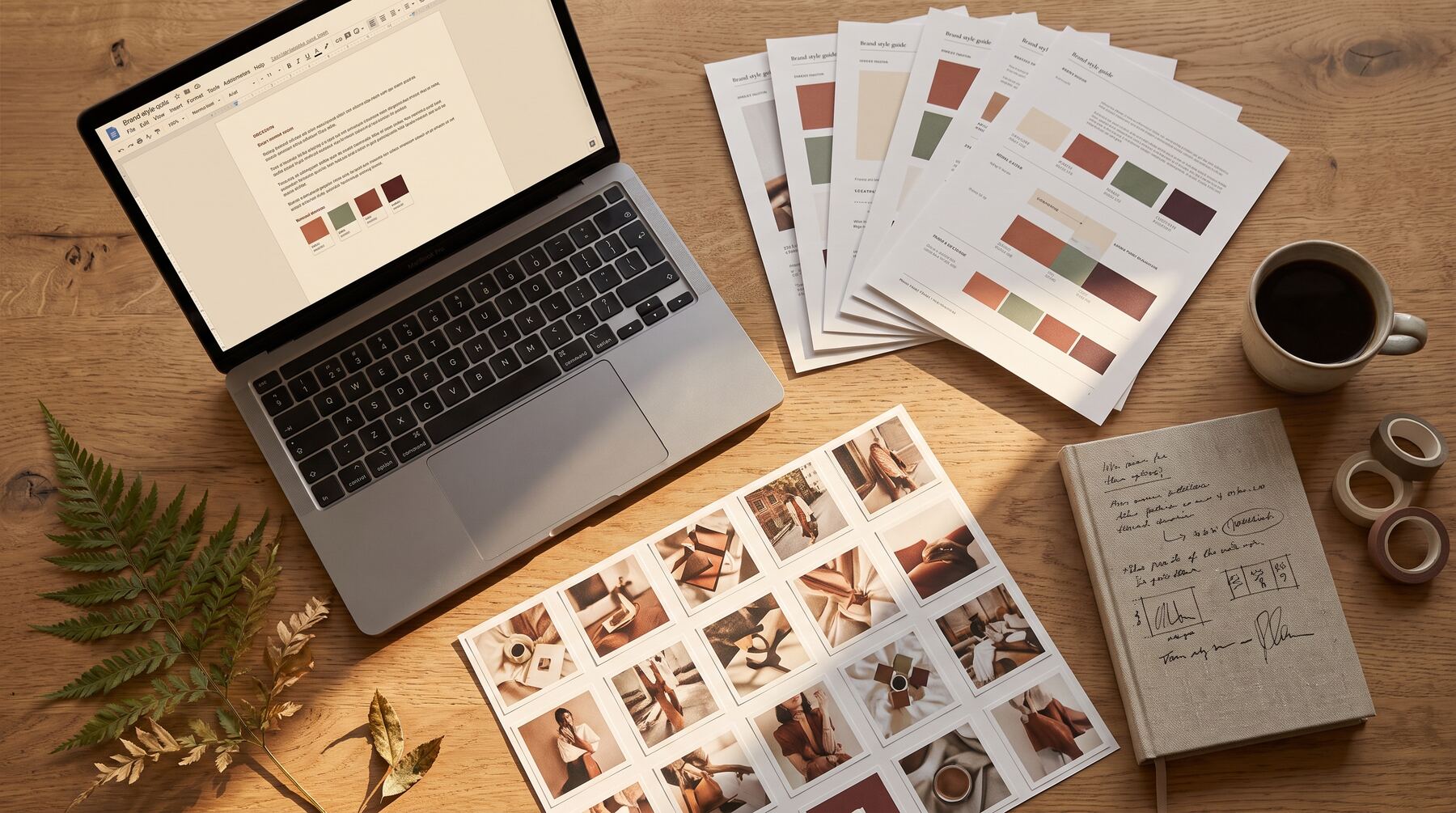
You've probably noticed that AI-generated images can look wildly different from one prompt to the next. Same subject, same request, completely different results.
That inconsistency is a problem for businesses. Your marketing materials need a cohesive look. Your brand has visual standards. Random outputs don't cut it.
This is where Style MDs come in. If you're already using Claude Skills for business automation, Style MDs take your visual output to the next level.
What Is a Style MD File?
A Style MD (markdown) file is a detailed reference document that defines your visual style. It tells AI image generators exactly what your images should look like—colours, composition, character styles, layout patterns, and more.
Think of it as a brand guidelines document, but written specifically for AI tools.
When Claude Code generates images using your Style MD, every image follows the same visual rules. Consistent colours. Consistent character designs. Consistent layout patterns.
Why Style MDs Matter
Without a Style MD:
- Each image looks different
- Brand colours appear inconsistently
- Character styles vary randomly
- Layouts feel disconnected
With a Style MD:
- Unified visual language across all images
- Brand colours applied correctly every time
- Characters have consistent designs
- Layouts follow proven patterns
For businesses creating content at scale, this consistency is essential.
Anatomy of a Style MD
1. Canvas and Background
Defines the fundamental look of your images:
## Canvas

- Pure white background behind main panel
- Panel fills 95% of frame with rounded corners
- Soft drop shadow for depth
- Edge-to-edge composition (no white margins)
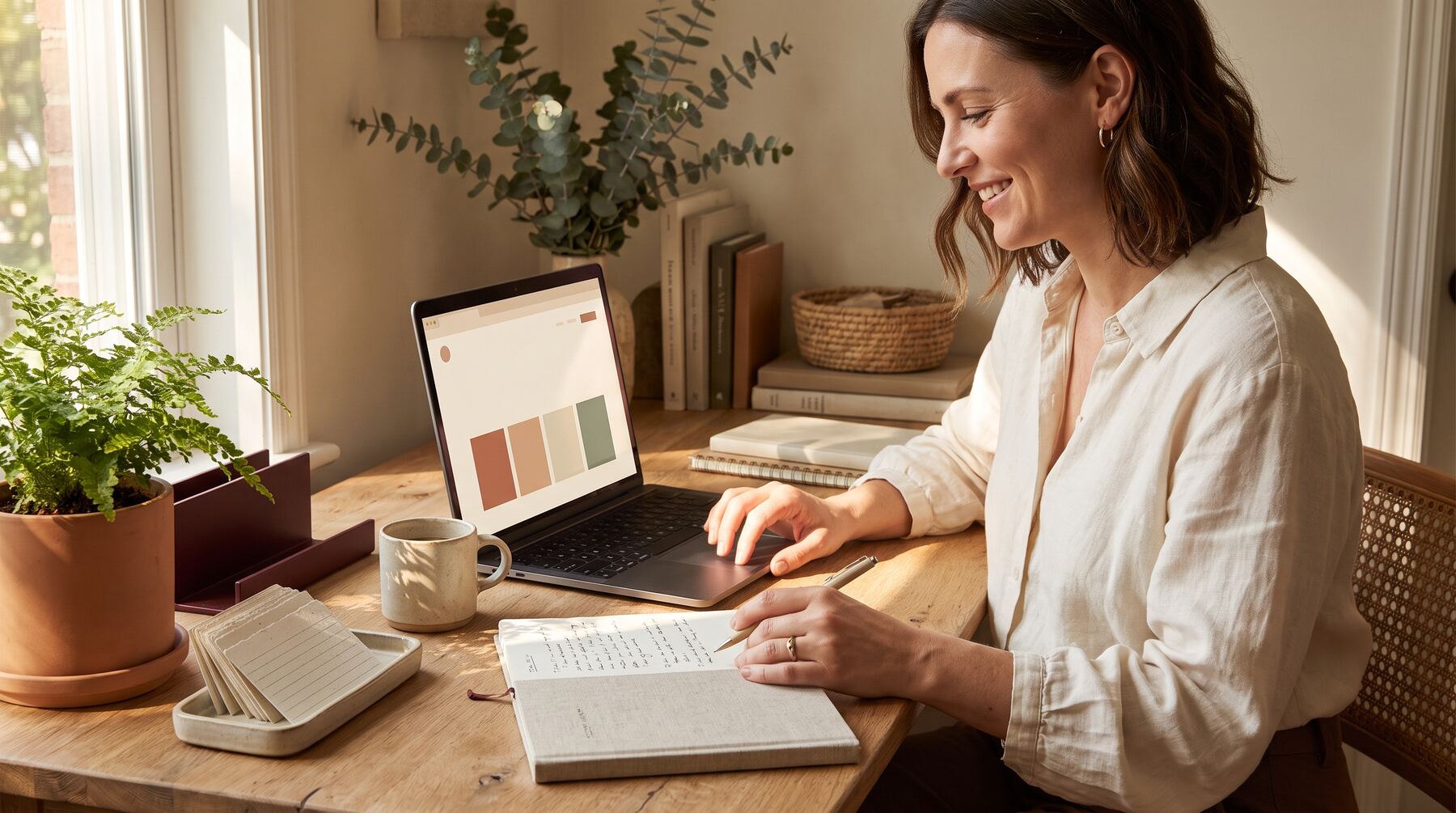
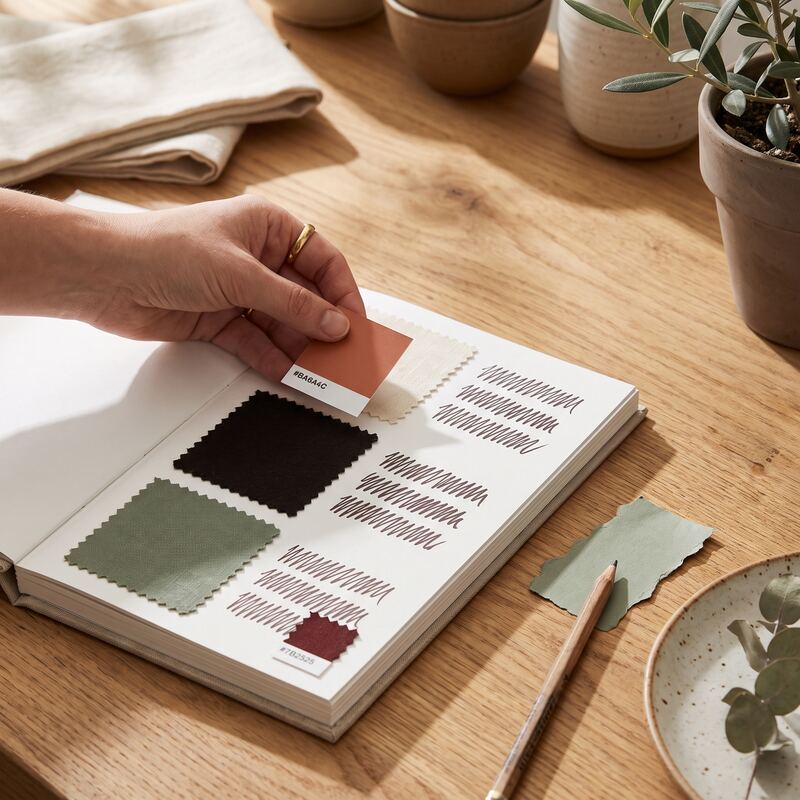
2. Colour Palette
Your brand colours and how to use them:
## Colour Palette

- **Black** — Primary text and outlines
- **Red (#E63946)** — Highlights, underlines, emphasis
- **Blue (#457B9D)** — Arrows, flow elements, accents
- **Yellow (#FFD166)** — Sticky notes, callouts
- **Green (#2A9D8F)** — Success indicators, checkmarks
3. Typography Style
How text should appear:
## Typography

- Marker-style hand-drawn text
- Headlines in bold with red underlines
- Body text in clean, readable style
- Sticky notes use chunky marker font (max 5-7 words)
4. Character Guidelines
How people should be illustrated:
## Characters

- Friendly cartoon style (NOT stick figures)
- Characters have colour, clothing, expressive faces
- Mix of genders across images
- Show success and celebration in positive states
5. Layout Patterns
Standard compositions for different content types:
## Layout Patterns

### Before/After
- Left side shows problem state (red accents)
- Right side shows solution state (green accents)
- Large curved arrow connecting the two

### Process Flow
- 3-5 numbered steps
- Staggered or S-curve layout
- Blue arrows between steps
- Final step larger with celebration elements
Real-World Example
Here's how a marketing agency might use a Style MD:
They create a "Whiteboard Sketch" style for all their client social media graphics. The Style MD defines:
- Whiteboard background with marker aesthetic
- Specific colour palette matching their brand
- Hand-drawn character style
- Standard layouts for different post types
Every image they generate follows these rules. A social media post created in January looks visually connected to one created in June—even though they were created months apart with different prompts. This is exactly what we deliver with our Creative Packs service—consistent whiteboard visuals designed for your brand.
Creating Your First Style MD
Start simple. Document:
- Your brand colours — Primary, secondary, accent
- Overall aesthetic — Clean? Playful? Professional?
- One layout pattern — Your most common image type
Then expand from there. Add character guidelines when you need people in images. Add more layout patterns as you identify recurring formats.
Style MDs and Skills Work Together
Style MDs become powerful when combined with Claude Skills.
Your image generation skill references your Style MD:
## Style Reference

Use the guidelines in `design/references/brand-style.md` for all visual decisions.
Now every time the skill runs, it applies your visual standards automatically.
When You Need Multiple Style MDs
- Brand style — For public-facing marketing materials
- Internal style — For presentations and reports
- Client styles — For agencies managing multiple brands
- Platform styles — Different looks for different social platforms
Each Style MD is a separate file. Your skills reference whichever one applies to the current task.
Getting Started
If you're new to AI image generation, create one Style MD that covers your core visual identity:
- Document your brand colours with hex codes
- Describe your preferred aesthetic in plain English
- Include one or two example descriptions of what "good" looks like
That foundation will make all your AI-generated visuals more consistent immediately.
As you create more images and identify patterns, expand your Style MD to cover more scenarios. For businesses wanting to dive deeper into AI automation, our AI services can help you build comprehensive skill and style systems.
Ready to explore AI image generation for your business? Book a consultation to discuss how we can help establish your visual style system.
Related services: Claude training for business and AI training in Perth, taught by a Claude Certified consultant.
Paul Saunders
Founder of Smash It Marketing — a boutique, AI-first agency pairing 18 years of Google Ads with an AI-first service suite. Book a call.