Unlocking Efficiency: How Wispr Flow and Speech-to-Text Technology Are Revolutionizing Project Management for Solopreneurs and Startups
Discover how speech-to-text technology like Wispr Flow is transforming productivity for busy entrepreneurs, reducing typing time by 60-80% while improving communication quality and work-life balance.

Paul Saunders
Founder, Smash It Marketing

Unlocking Efficiency: How Wispr Flow and Speech-to-Text Technology Are Revolutionizing Project Management for Solopreneurs and Startups
Picture this: you're juggling three client projects, responding to dozens of emails daily, and trying to maintain some semblance of work-life balance. Sound familiar? If you're nodding your head right now, you're not alone. The modern business landscape has us all spinning more plates than ever before, and frankly, traditional typing just isn't cutting it anymore.

Enter speech-to-text technology – specifically tools like Wispr Flow – that are completely transforming how we work, communicate, and manage projects. What started as accessibility technology has evolved into a productivity powerhouse that's helping solopreneurs, startups, and established companies alike break free from the typing trap and focus on what really matters: growing their business.
Just like how Performance Max campaigns revolutionized digital advertising by leveraging AI to optimize across multiple channels, speech-to-text technology is creating a similar paradigm shift in how we approach daily communication and project management tasks.
The Speech-to-Text Revolution: More Than Just Talking to Your Computer
Let's be honest – we've all tried talking to our computers before. Remember the early days of speech recognition when you'd spend more time correcting mistakes than if you'd just typed everything out? Those days are long gone. Modern speech-to-text technology, particularly advanced solutions like Wispr Flow, has reached a level of accuracy and sophistication that's genuinely game-changing.
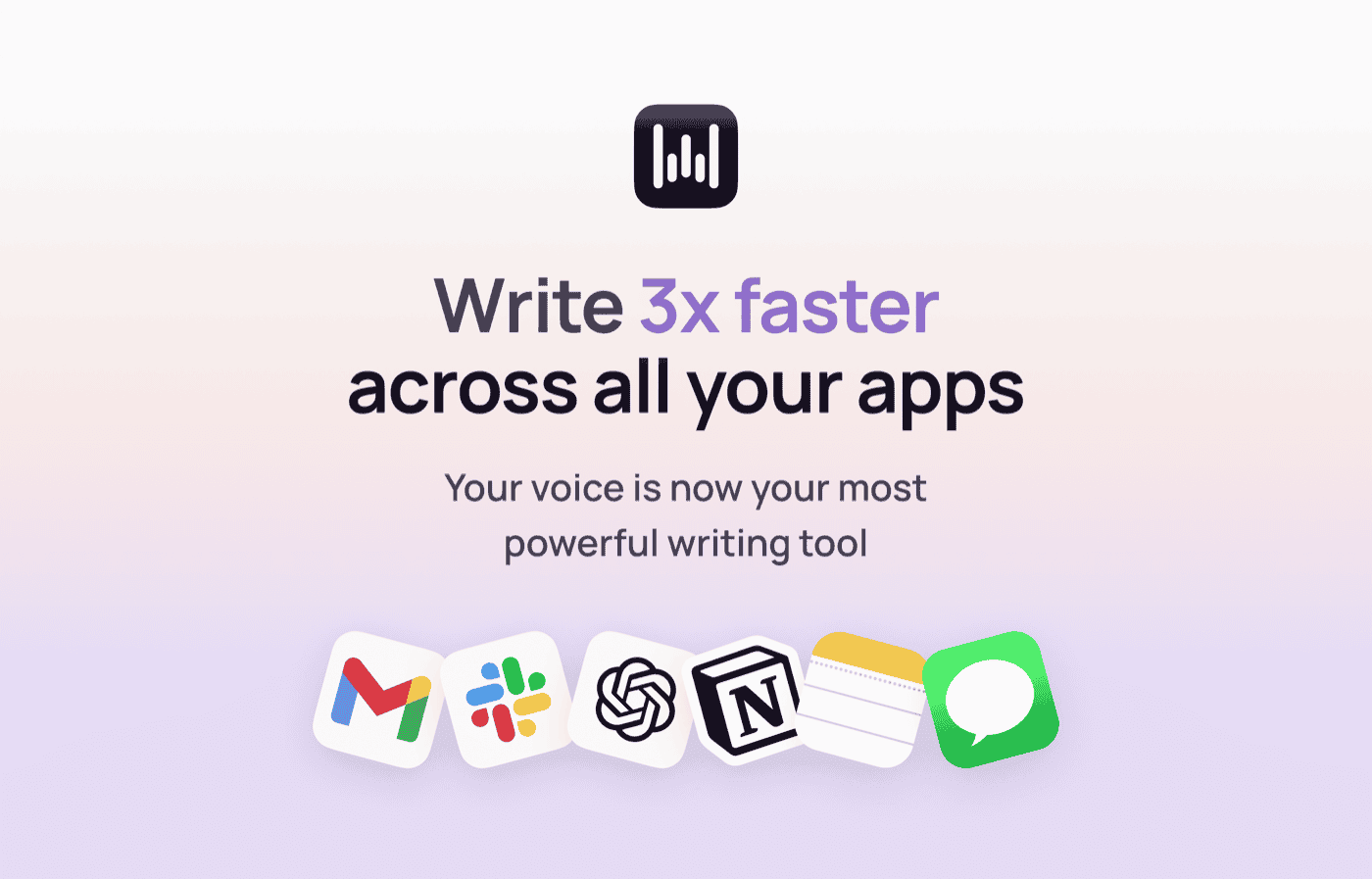
Wispr Flow's intuitive interface makes speech-to-text as simple as talking naturally
The beauty of today's speech-to-text tools lies not just in their ability to transcribe what you're saying, but in their understanding of context, natural language patterns, and even your personal speaking style. They're smart enough to filter out those inevitable "ums," "ahs," and awkward pauses that pepper our natural speech, delivering clean, professional text that's ready to send or publish.
Who's Actually Using This Technology? (Spoiler: Probably More People Than You Think)
Co-developers and Technical Teams: Software development teams are leveraging speech-to-text for code documentation, standup meetings, and collaborative sessions. Instead of frantically typing notes during code reviews or architectural discussions, team members can speak naturally while the technology captures every detail. This means developers can stay focused on the technical conversation rather than becoming designated note-takers.

Overwhelmed Business Owners: Small business owners who find themselves drowning in email are discovering that speaking their responses is not only faster but often more personal and authentic. Instead of crafting stilted, formal emails, they can speak conversationally and let the technology clean up the grammar and structure. This mirrors the efficiency gains we see when businesses implement AI workflow automation services to streamline their marketing processes.
Content Creators and Marketers: Bloggers, social media managers, and content marketers are using speech-to-text to rapidly generate first drafts of articles, social media posts, and marketing copy. The ability to "talk through" ideas often results in more natural, engaging content than traditional writing methods. Many of our clients combine this approach with our landing page design services to create compelling, conversion-focused content faster than ever.
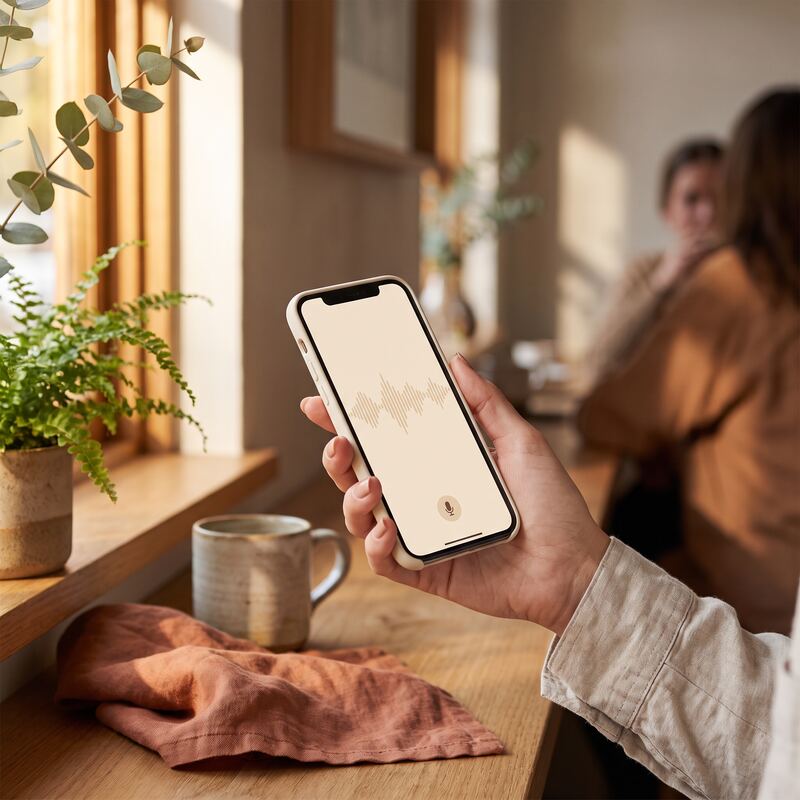
Mobile speech-to-text transforms any location into a productive workspace
Sales Professionals: Sales teams are using speech-to-text for CRM updates, follow-up emails, and proposal writing. After a client call, instead of spending 20 minutes typing up notes and action items, they can capture everything verbally in just a few minutes.
Remote Workers and Digital Nomads: For professionals working from co-working spaces, cafes, or while traveling, speech-to-text offers a way to maintain productivity without being chained to a traditional workspace setup.
Real-World Applications That Are Changing the Game
Let me paint you some pictures of how this technology is playing out in the real world:

Watch Wispr Flow transform spoken words into perfectly formatted text in real-time
The Morning Email Blitz: Sarah, a marketing consultant, starts her day by walking through her neighborhood while dictating responses to overnight emails through Wispr Flow on her phone. By the time she's back home with her coffee, she's cleared her inbox and can focus on creative work for the rest of the morning.
The Commuter Content Creator: Mark runs a small digital agency and uses his 45-minute train commute to dictate blog posts and client proposals. What used to be "dead time" has become his most productive writing period, all thanks to speech-to-text technology that works seamlessly on his laptop.
💡 Pro Tip for Marketing Professionals
Combine speech-to-text with strategic campaign planning for maximum efficiency. Our clients often dictate their campaign ideas and briefs while commuting, then implement them through our Performance Max optimization services.
The Meeting Follow-Up Master: Lisa leads a small development team and uses speech-to-text immediately after team meetings to capture action items, decisions, and next steps while everything is fresh in her mind. Her team has noticed a dramatic improvement in project clarity and follow-through.
The Multitasking Entrepreneur: David, who runs an e-commerce business, uses speech-to-text while handling inventory, responding to customer service inquiries, and updating product descriptions. He can literally keep his hands busy with physical tasks while keeping his business communications flowing smoothly.
Diving Deeper: How Wispr Flow Actually Works
Wispr Flow represents the cutting edge of speech-to-text technology, and understanding how it works helps explain why it's so effective. At its core, the system uses advanced artificial intelligence and machine learning algorithms that have been trained on vast amounts of human speech data.
The technology operates on multiple levels simultaneously. First, it captures your audio input through your device's microphone – whether that's your desktop computer, laptop, tablet, or smartphone. The system then processes this audio in real-time, converting sound waves into text while applying sophisticated language models that understand context, grammar, and natural speech patterns.
See Wispr Flow in action and discover how speech-to-text is transforming productivity workflows
What sets Wispr Flow apart is its ability to learn and adapt to your specific speaking style, vocabulary, and preferences. The system can be trained to recognize industry-specific terminology, personal names, and even your company's unique jargon. This means the more you use it, the better it becomes at understanding exactly what you mean to say.
Desktop vs. Mobile: Flexibility Where You Need It
One of the most practical aspects of Wispr Flow is its cross-platform functionality. Whether you're at your desk or on the go, the technology adapts to your workflow:
Desktop Integration: When working on your computer, Wispr Flow integrates seamlessly with your existing applications. A simple keyboard shortcut activates the speech recognition, allowing you to dictate directly into emails, documents, CRM systems, or any text field. This hands-free approach means you can maintain better posture, reduce repetitive strain injuries, and even walk around while working.

Mobile Flexibility: The mobile app brings the same powerful functionality to your smartphone or tablet. This is particularly valuable for busy professionals who need to stay productive while traveling, commuting, or working from various locations. The mobile interface is designed for quick, efficient input without the complexity of traditional typing on small screens.
📱 Mobile Productivity Insight
The same mobile-first approach that makes Wispr Flow effective is why we design all our landing pages to be mobile-optimized from day one. Both technologies recognize that modern professionals need seamless experiences across devices.
The Intelligence Behind the Magic
The advanced functionality of modern speech-to-text technology like Wispr Flow is truly remarkable. The system doesn't just transcribe words – it understands language. This means it can:
Context Recognition: The technology understands the difference between "there," "their," and "they're" based on the context of your sentence, not just the sound of the word.
Natural Language Processing: It recognizes when you're asking a question, making a statement, or listing items, and formats your text accordingly with appropriate punctuation and structure.
Smart Editing: The system automatically filters out verbal fillers like "um," "uh," "you know," and similar speech patterns that are natural in conversation but unwanted in written text.
Experience the seamless flow from thought to text with Wispr Flow's intuitive interface
Pause Management: It intelligently handles natural pauses in speech, distinguishing between a brief pause for thought and the end of a sentence or paragraph.
Customizable Training: You can train the system to recognize specific terminology, names, or phrases that are important to your business or industry.
The Productivity Revolution: From Typing to Thinking

This shift from typing to speaking frees up mental bandwidth that was previously dedicated to the mechanics of written communication. Instead of thinking about spelling, punctuation, and formatting, you can focus entirely on the content and ideas you want to convey.
The dramatic productivity improvement when switching from traditional typing to speech-to-text
For project management specifically, this translates into clearer communication, faster documentation, and more efficient collaboration. Team updates that might have taken 20 minutes to type can be spoken in 5 minutes. Client communications become more personal because they retain the natural flow of conversation while maintaining professional polish.
This efficiency breakthrough is similar to what businesses experience when they implement our AI workflow automation services. Both technologies free up mental resources so you can focus on strategy rather than mechanics.
Breaking Down the Efficiency Barriers
Traditional workflow bottlenecks often center around communication and documentation. How many times have you had a great idea or important insight, only to lose momentum while trying to type it out? Speech-to-text technology eliminates this friction point entirely.
Consider the typical project management cycle: planning meetings, status updates, client communications, documentation, and follow-up tasks. Each of these typically involves significant typing time. With speech-to-text integration, that time can be reduced by 60-80%, allowing project managers and team leaders to focus on strategic thinking rather than administrative tasks.
⚡ Efficiency Stats
Similar efficiency gains to our AdWords Performance Max optimization services
Implementation: Getting Started Without the Growing Pains
The beauty of modern speech-to-text tools like Wispr Flow is that implementation doesn't require a complete workflow overhaul. You can start small and gradually increase your usage as you become more comfortable with the technology.
Many successful users begin by using speech-to-text for email responses during specific times of day – perhaps first thing in the morning or right after lunch. This creates a natural testing ground where you can get comfortable with the technology without disrupting critical business processes.
As confidence builds, users typically expand to other areas: project documentation, client communications, content creation, and eventually more complex tasks like report writing and strategic planning documents.
The ROI of Speaking Instead of Typing
When we talk about return on investment in productivity tools, we usually think about direct cost savings or revenue increases. With speech-to-text technology, the ROI comes in multiple forms:
Time Savings: The most obvious benefit is speed. Most people can speak significantly faster than they can type, often 2-3 times faster once they're comfortable with the technology.
Reduced Physical Strain: For professionals who spend long hours at computers, speech-to-text can reduce repetitive strain injuries and improve overall comfort during long work sessions.
Improved Work-Life Balance: When routine communication tasks take less time, there's more opportunity for strategic work during business hours and better boundaries between work and personal time.
Enhanced Creativity: Speaking often unlocks different thought patterns than typing, leading to more creative solutions and innovative approaches to business challenges.
💰 ROI Comparison
Just as our clients see 300%+ ROAS improvements with Performance Max campaigns, speech-to-text users typically see 200-400% productivity improvements in communication tasks. Book a free consultation to discuss how workflow optimization can amplify your marketing results.
Real Success Stories from the Field
The proof is in the pudding, as they say. Companies and individuals implementing speech-to-text technology are seeing measurable improvements in productivity and job satisfaction.
Small development teams report that sprint planning and retrospective meetings are more efficient because documentation happens in real-time without slowing down the conversation. Marketing agencies find that brainstorming sessions are more productive when ideas can be captured instantly without interrupting the creative flow.
Individual entrepreneurs consistently mention that client communication improves because they can respond more quickly and with more personality than formal typed emails typically allow.
Overcoming the Learning Curve
Like any new technology, there's a brief adjustment period when adopting speech-to-text tools. The key is understanding that you're not just learning new software – you're developing a new communication habit.
The most successful users approach this transition with patience and realistic expectations. Initial accuracy might be 90-95%, which improves to 98-99% as the system learns your speech patterns and vocabulary. Most users find that within a week of regular use, speaking instead of typing becomes natural and preferred for many tasks.
Looking Forward: The Future of Voice-Driven Productivity
Speech-to-text technology represents just the beginning of voice-driven productivity tools. As artificial intelligence continues to advance, we're moving toward systems that don't just transcribe what we say, but actively help us organize, prioritize, and act on our spoken inputs.
The integration of speech-to-text with project management platforms, CRM systems, and collaboration tools is creating seamless workflows where voice becomes the primary interface for many business tasks.
This evolution mirrors what we're seeing in digital marketing, where AI-powered automation tools are transforming how businesses manage their campaigns and customer interactions.
Taking Action: Your Next Steps with Wispr Flow
Ready to transform your productivity with speech-to-text technology? Here's your practical roadmap for getting started:
Start with a Trial: Download Wispr Flow and commit to using it for email responses during one specific part of your day. This creates a controlled environment where you can get comfortable with the technology without disrupting your entire workflow.
Identify Your Biggest Typing Bottlenecks: Look at your daily routine and identify the tasks that require the most typing time. These are your prime candidates for speech-to-text implementation. Common starting points include email responses, meeting notes, and project updates.
Set Up Your Environment: Ensure you have a quiet space where you can speak naturally without disturbing others or being distracted by background noise. A good headset with a quality microphone can significantly improve accuracy, especially in busy environments.
Train the System: Spend time training Wispr Flow to recognize your specific vocabulary, including industry terms, client names, and company-specific language. This upfront investment pays dividends in improved accuracy and efficiency.
Practice Natural Speech: Remember that you're speaking to create written communication. Practice speaking in complete sentences with natural pauses, and trust the system to clean up your speech patterns automatically.
Integrate Gradually: Don't try to switch everything to speech-to-text at once. Gradually expand your usage from simple tasks to more complex communications as your comfort level increases.
Measure Your Results: Track the time you spend on communication tasks before and after implementing speech-to-text. Most users are surprised by the significant time savings they achieve.
🚀 Ready to Transform Your Entire Workflow?
While you're optimizing your communication with speech-to-text, why not optimize your marketing campaigns too? Our team specializes in creating systematic efficiency improvements across your entire business operation.
20-minute consultation • No obligation • Actionable insights guaranteed
The future of productivity isn't about working harder or finding more hours in the day – it's about working smarter with tools that amplify your natural abilities. Speech-to-text technology like Wispr Flow represents a fundamental shift in how we interact with our devices and manage our workflows.
By freeing yourself from the constraints of traditional typing, you're not just saving time – you're creating space for the strategic thinking and creative problem-solving that drives real business growth. The question isn't whether speech-to-text technology will transform your productivity; it's how quickly you'll embrace the change and start reaping the benefits.
The revolution in voice-driven productivity is here, and it's more accessible and powerful than ever before. Your future self – the one who's focused on growing the business instead of being buried in administrative tasks – is waiting for you to make the switch.
Related services: AI consulting in Perth for custom workflows, and hands-on AI training in Perth for your team.
Paul Saunders
Founder of Smash It Marketing — a boutique, AI-first agency pairing 18 years of Google Ads with an AI-first service suite. Book a call.