From Canva to Custom: When DIY Graphics Stop Working
Canva is great for getting started. But there comes a point where DIY graphics actually hurt your brand. Here's how to know when you've reached it.
Paul Saunders
Founder, Smash It Marketing

Canva changed the game for small businesses.
Suddenly, anyone could create decent-looking social media posts, flyers, and presentations. No design degree required. No expensive software. Just drag, drop, and export.
For many businesses, Canva is exactly right. For others, it's holding them back.
How do you know which category you're in?
The Canva Plateau
Most Canva users hit the same wall:
Template fatigue: You've used every template that fits your brand. Now everything looks the same.
Recognition problems: Your graphics look like everyone else's because you're using the same templates as thousands of others.
Quality ceiling: No matter how much time you spend, results don't look quite professional.
Brand inconsistency: Without strong design skills, each piece ends up slightly different.
Time sink: What should take minutes takes hours because you're designing instead of doing your actual job.
If this describes your experience, you've outgrown DIY.
Signs You've Outgrown Canva
The "Good Enough" Trap
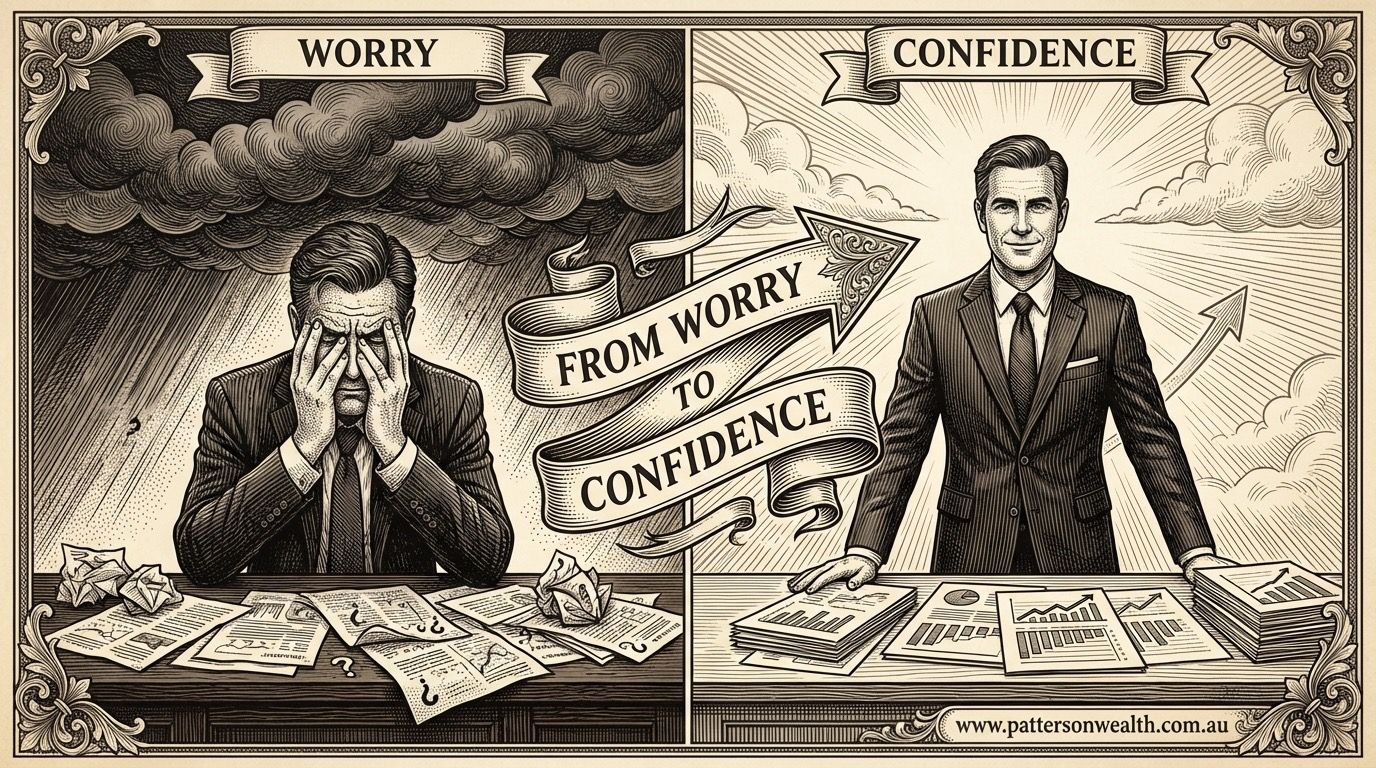
You look at your graphics and think "good enough."
Professional design provokes different reactions—pride, excitement, confidence that it represents your brand well.
"Good enough" is the language of settling. Your brand deserves better.
Competitor Comparison Anxiety
You see competitors' graphics and feel something's off about yours. Not catastrophically wrong. Just... less polished. Less professional. Less memorable.
That gap is visible to your customers too.
Client-Facing Hesitation
When sending proposals, presentations, or materials to important clients, do you feel completely confident?
If there's hesitation—if you wish the graphics were better—that's your answer.
Template Recognition
Have you ever seen a competitor, or even an unrelated business, using the same Canva template you use?
That moment breaks the illusion of uniqueness. And if you noticed, customers have too.
Time-Value Mismatch
Calculate your hourly rate. Multiply by hours spent on Canva each month.
Often, that number exceeds what professional graphics would cost—and your time has alternative value.
What Custom Graphics Actually Provide
True Uniqueness
Custom graphics are created specifically for your brand. No one else has them. No recognition awkwardness.
Professional Execution
Designers understand principles you might not consciously know—hierarchy, balance, typography, colour theory. The result looks professional because it is professional.
Brand Consistency
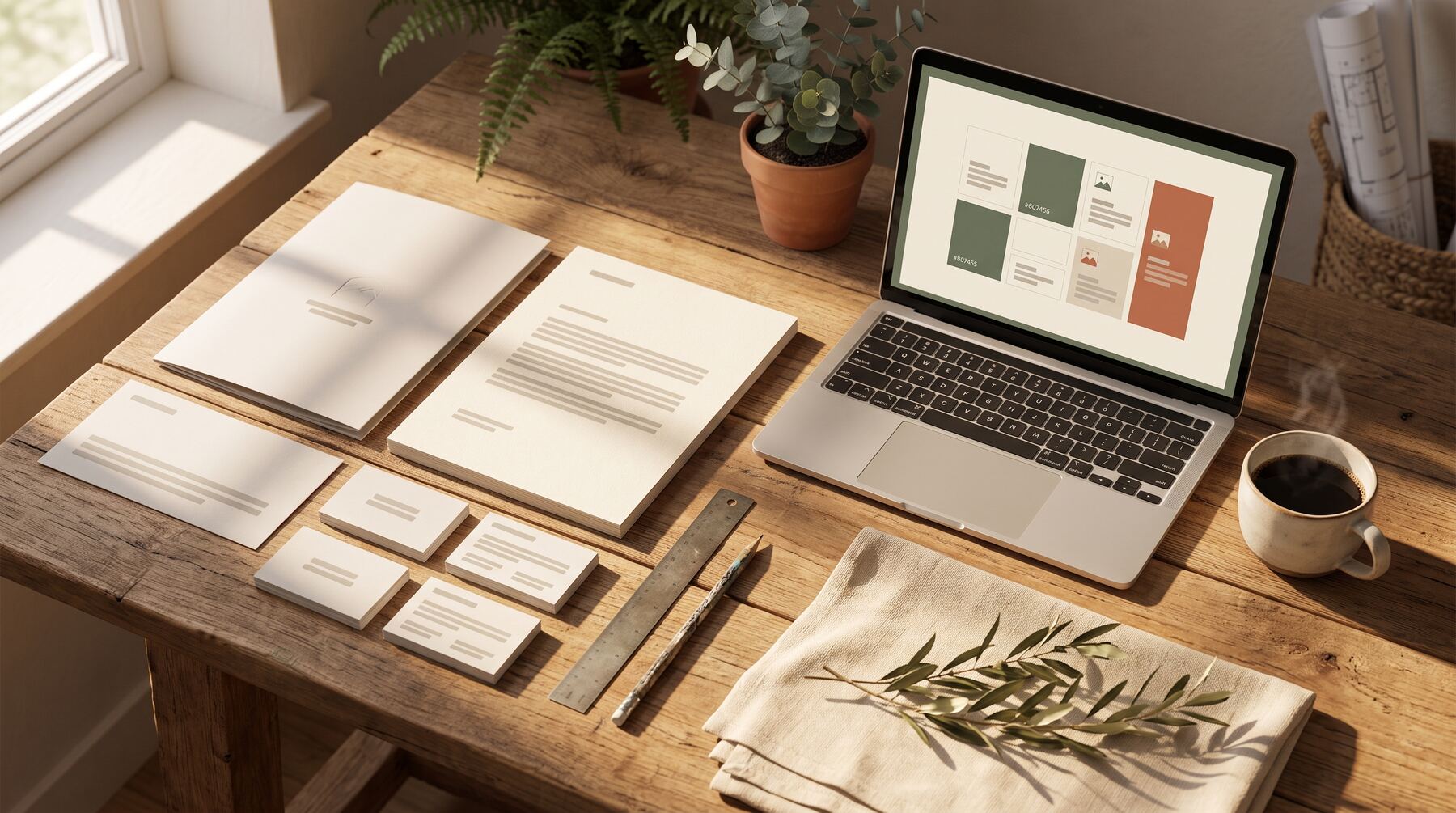
Professional systems include style guides, templates, and assets that maintain consistency automatically.
Time Recovery
Hours spent in Canva become available for actual business work.
Confidence
When graphics look great, you use them confidently. No hesitation before posting. No apologies in presentations.
The Transition Options
Full Custom Design
Commission original graphics for every need. Maximum quality, highest investment.
Best for: Businesses with significant budgets and extensive graphic needs.
Creative Packs
Pre-designed content packs customised for your brand. Professional quality with efficient production.
Best for: Businesses needing regular professional content without project-by-project commissioning.
Hybrid Approach
Use custom graphics for high-visibility applications. Continue DIY for internal or low-stakes needs.
Best for: Businesses prioritising budget while upgrading key touchpoints.
Template Upgrades
Commission custom templates that you then use in Canva or similar tools.
Best for: Businesses wanting to maintain DIY workflow with better foundations.
Making the Transition
Audit Current Materials
Review everything you've created:
- What looks amateur?
- What's inconsistent?
- What do you hesitate to share?
Prioritise upgrading the weakest elements first.
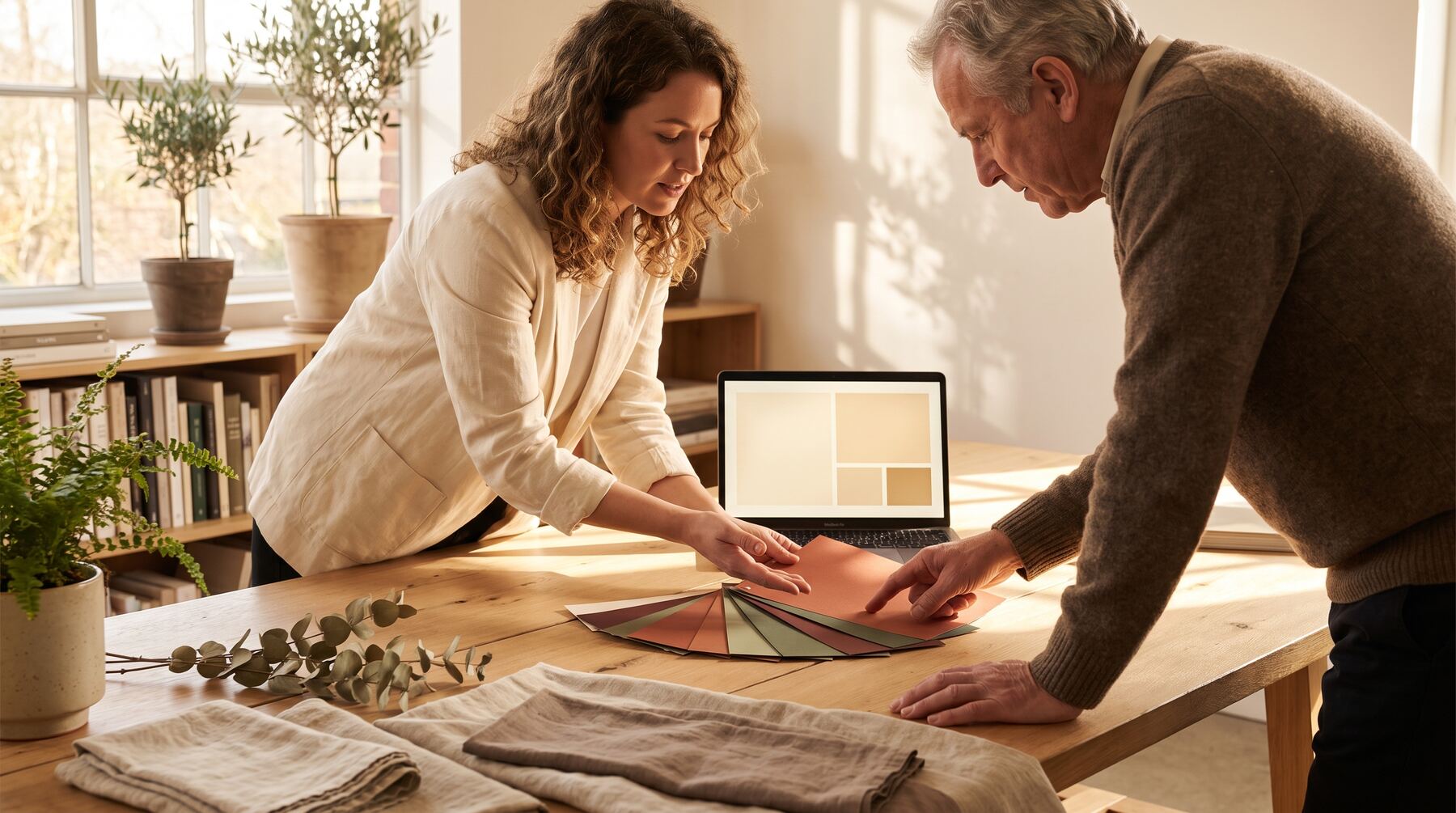
Define Your Visual Identity
Before creating custom graphics, clarify:
- Brand colours (specific values, not just "blue")
- Typography choices
- Tone (professional, friendly, bold, subtle)
- Visual style preferences
Start with High-Impact Items
Upgrade the graphics people see most:
- Social media profile images
- Website hero sections
- Frequently-used templates
- Sales materials
Build Systematically
Rather than random upgrades, build a cohesive visual system:
- One style applied consistently
- Templates that work together
- Asset library that grows over time
The Budget Question
"I can't afford professional graphics" often masks different objections:
"I don't see the value": Fair—until you experience the difference professional graphics make in perception and confidence.
"Other investments seem more important": Possibly true in early stages. But visual presentation affects every customer interaction.
"I'm not ready": Sometimes accurate. Build the business first, upgrade visuals when stability allows.
Honest assessment of your situation guides the right timing.
When Canva Remains Right
Not everyone needs to graduate:
Very early stage: When testing business models, Canva's speed matters more than polish.
Internal communications: Graphics colleagues see don't need professional execution.
Extreme budget constraints: When every dollar counts, DIY is legitimately appropriate.
Simple needs: If you only need occasional basic graphics, Canva covers it.
Design-skilled owners: Some people genuinely produce professional-quality work in Canva.
No shame in staying with what works.
The Decision Framework
Ask yourself:
- Do my graphics support or undermine my pricing and positioning?
- Am I spending more time on design than the results justify?
- Do I feel confident sharing my graphics with important prospects?
- Could a professional do in two hours what takes me two days?
- Is visual quality holding my brand back?
Multiple "yes" answers suggest it's time to transition.
Ready to move beyond DIY graphics? Our Creative Packs deliver professional custom graphics designed for your specific brand and audience. See examples or contact us for a custom preview of your brand in professional style.
Related services: data-led content creation backed by SEO, and ready-made Creative Packs for branded graphics.
Paul Saunders
Founder of Smash It Marketing — a boutique, AI-first agency pairing 18 years of Google Ads with an AI-first service suite. Book a call.